Local browser
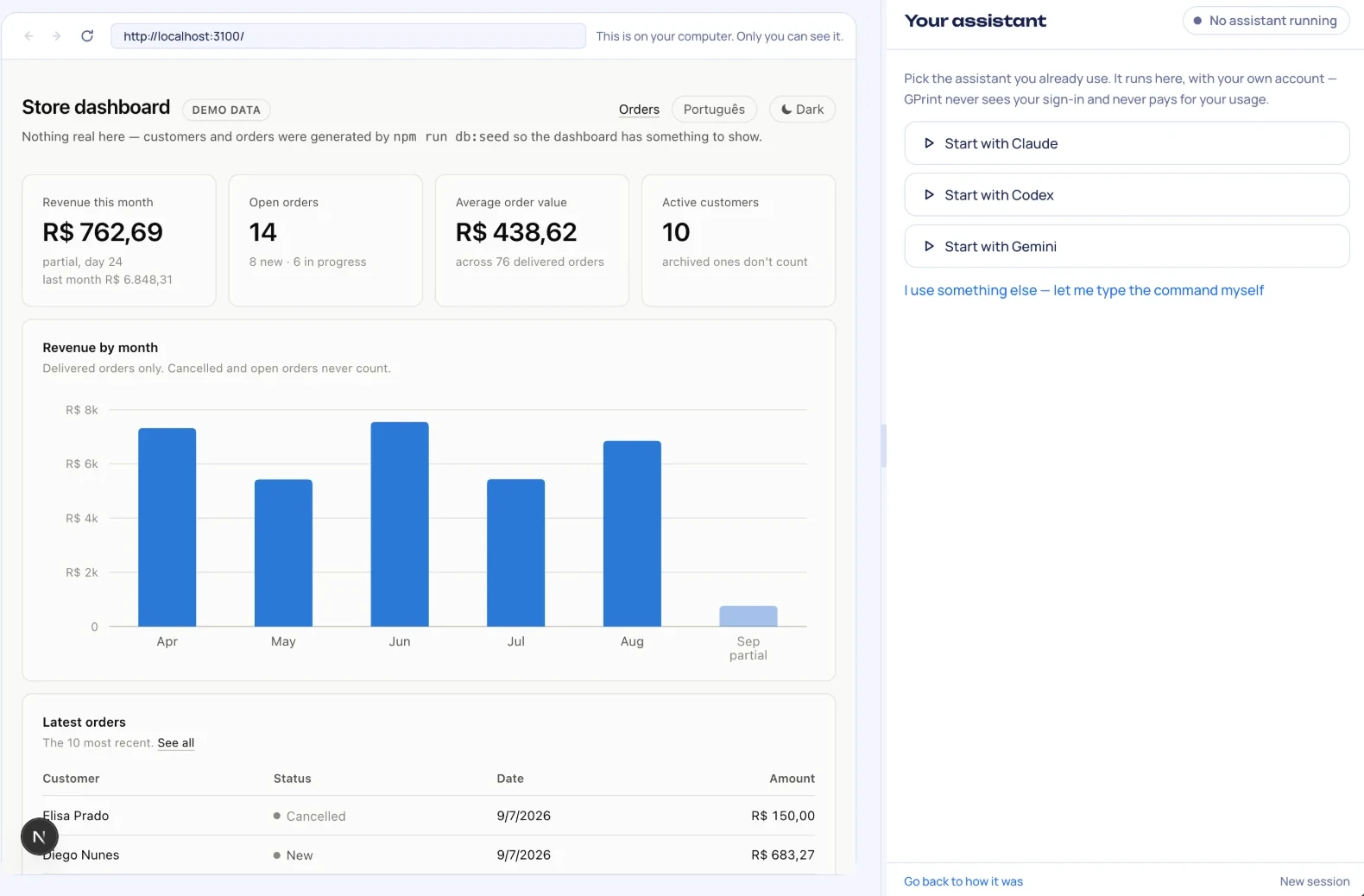
Watch your app get built. Your AI writes it, and a real browser next to it shows every change as it happens. The AI checks its own work there, before you have to.

Cloud builders rent you their AI and keep your app on their servers. GPrint runs on your Mac with the AI you already pay for, and the app it builds is yours: a folder, your data, your own address online. No coding.
Free while in early access · macOS 13 or newer · Apple silicon and Intel
7 days free, then $4.99 a month. Cancel any time · macOS 13 or newer · Apple silicon and Intel

Watch your app get built. Your AI writes it, and a real browser next to it shows every change as it happens. The AI checks its own work there, before you have to.
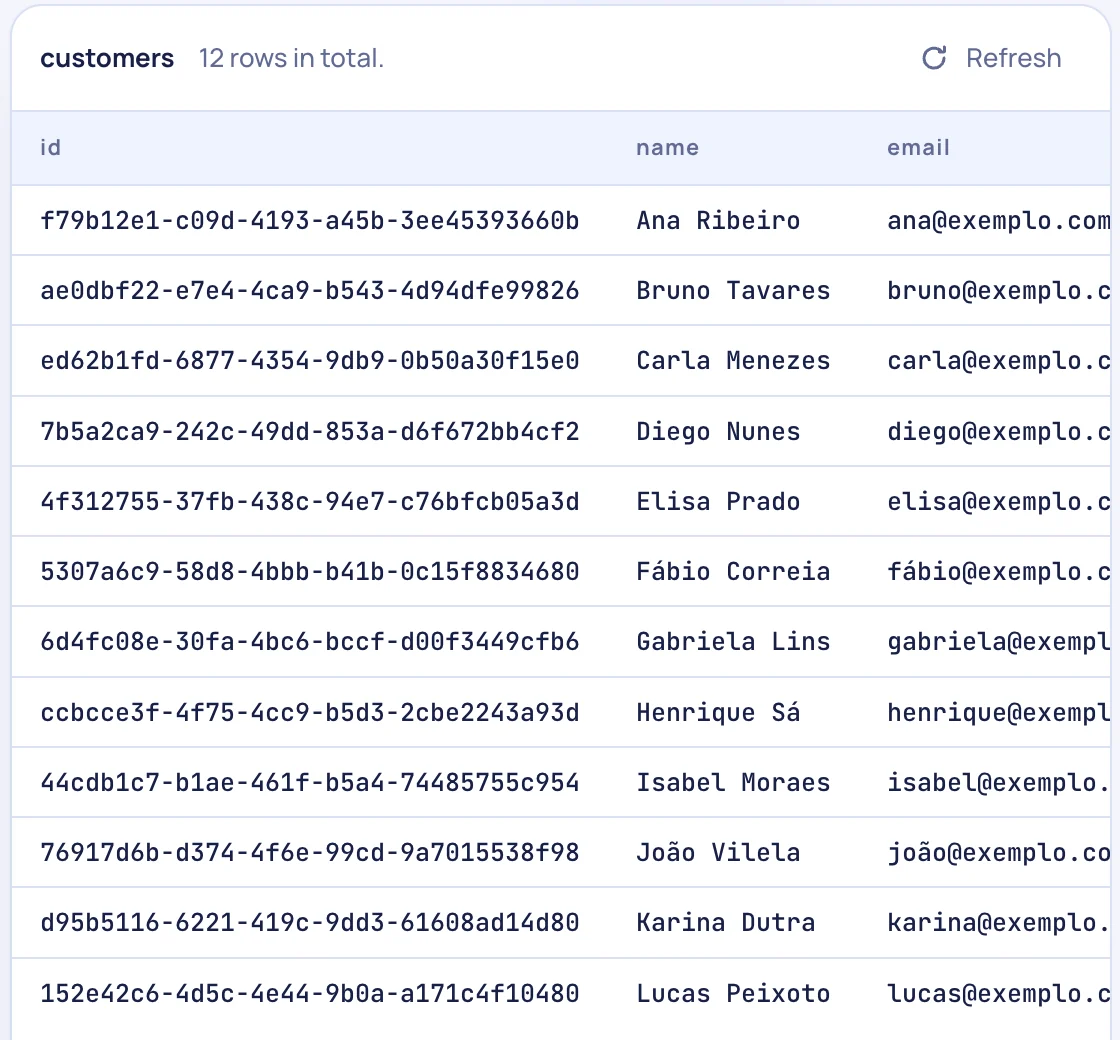
See everything your app knows. Customers, orders, bookings, in a plain list on your Mac. Sort it, search it, and switch to what real customers are putting in.
Put it online with one button. Local is your Mac. Dev is a private copy to check. Live is for customers. Nothing goes live half-done.

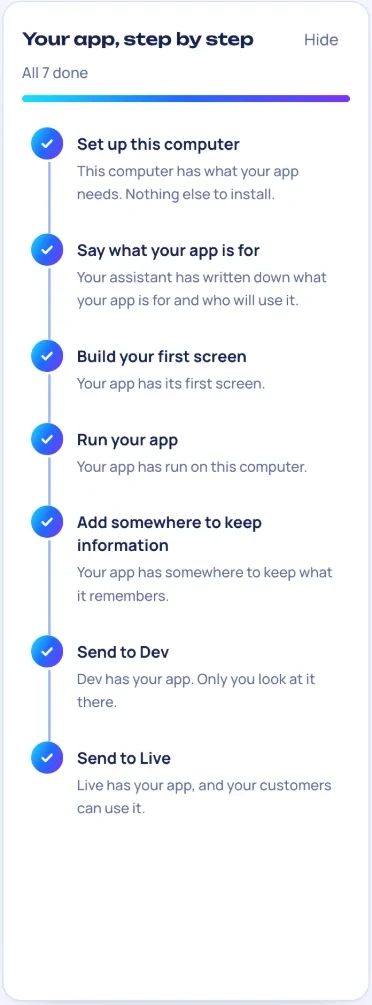
GPrint ticks each one when it can see it is done.
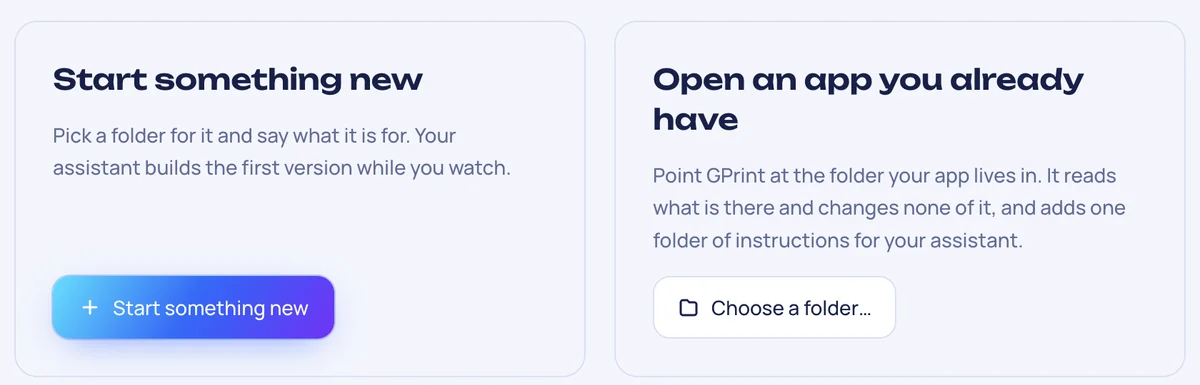
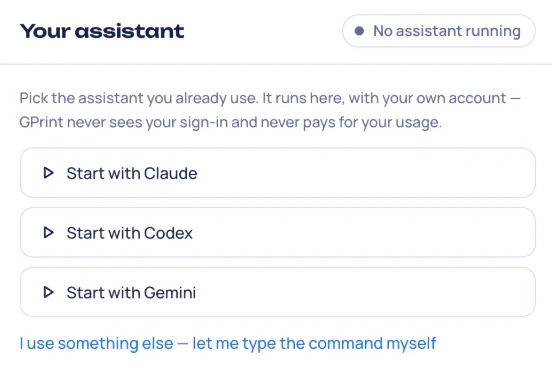
GPrint stays out of the way. Three things it will never do.
Your AI runs under your own login and your own plan. GPrint never sees it and never pays for it.
It is a normal folder on your Mac. Open it in anything, hand it to a developer, or leave.
It checks what your Mac has and asks before adding anything. What it adds, it keeps to itself.
One subscription is for one person, on up to two Macs. Cancel from inside GPrint; it keeps working until the end of the month you paid for.
No. You describe what you want in plain words. Your AI writes the code, and GPrint shows you what it built.
Claude Code, Codex or Gemini, on the plan you already have. If you use something else, you can type its command.
On your Mac, in a folder, until you choose to put it online. Online, it runs on your own Railway account.
Yes. Your app is a normal folder. Nothing is locked inside GPrint.
Mac first. Windows and Linux come once the Mac version has earned it.
Open Settings in GPrint on a Mac where it is active and the key is shown there.
Otherwise email g@greis.uk from the address you subscribed with.
Free while in early access. The link comes by email.
7 days free, then $4.99 a month. Cancel any time.